
Find My Car app for iPhone: never forget where you parked
Your iPhone can remember where you parked, but only sometimes: Apple Maps marks the spot when the iPhone was connected to the car over CarPlay or Bluetooth, and not at places it knows, like home or work. Find My Car is a free iPhone app that saves your spot in any car and guides you back. Here is how it works and how it compares with Apple Maps.
How to save your parking spot on iPhone
- Install Find My Car - Vehicle Tracker from the App Store and allow it to use your location.
- When you leave the car, tap Park in the app or ask Siri. The widget on your home screen then shows where you parked. Not quite right? Move the pin to the exact spot.
- Write a note about the floor or the nearest pillar and set a reminder before your parking time runs out. With Pro you can add a photo too.
- To get back, open the app and follow the directions to your car.
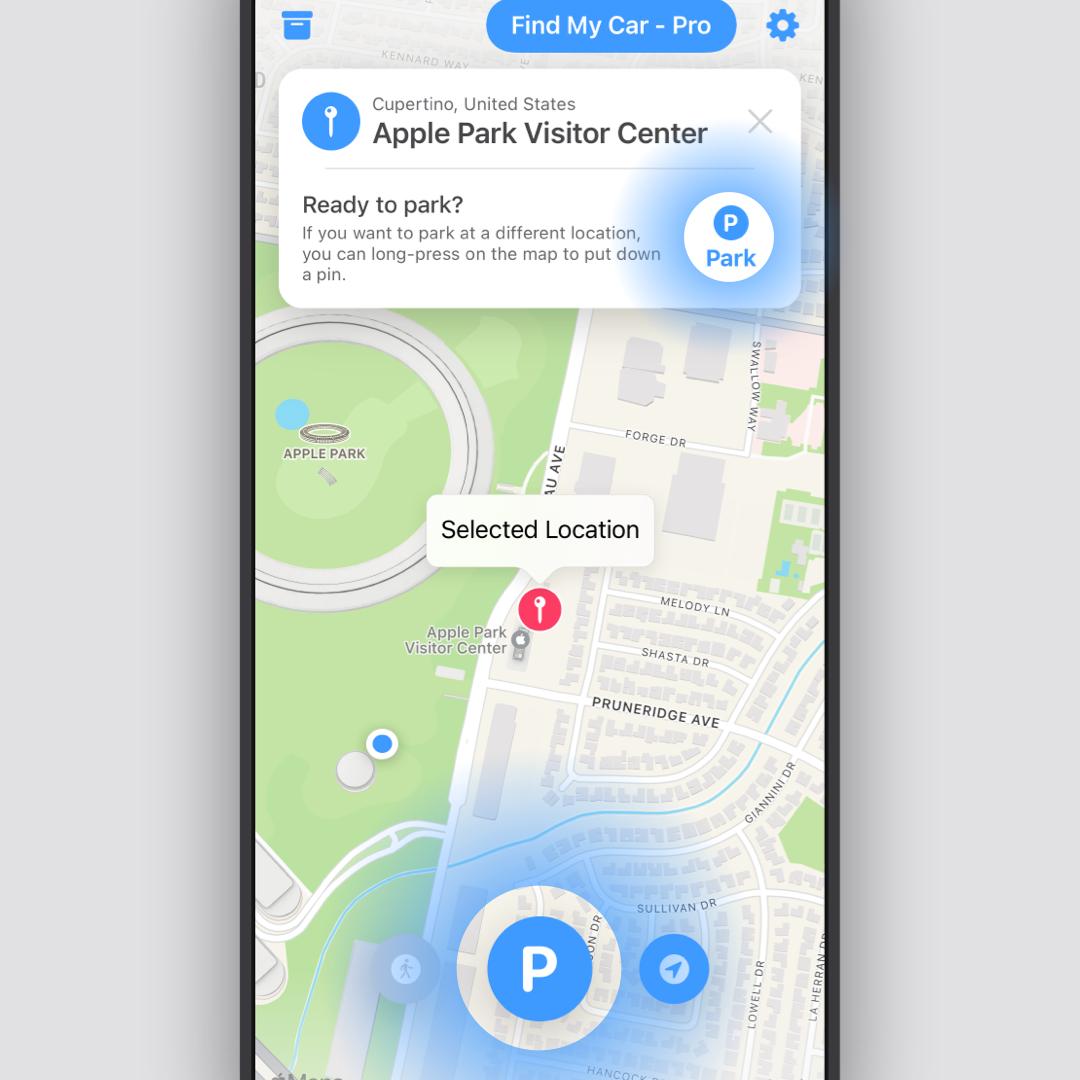
Let the app save the spot by itself
Turn on automatic parking and Find My Car saves where you parked when your drive ends, without opening the app, and ends the parking when you drive away. It notices the end of a drive when CarPlay disconnects, or from motion and speed (Motion & Fitness), and it needs location access set to Always. You can undo an automatic save. You get 5 free automatic saves, and 5 more each time you watch a rewarded ad. After that the app shows a “Did you park?” prompt instead. With Pro, automatic parking is unlimited.
Apple Watch: a compass that points to your car
The Apple Watch app shows a compass that points to your car, with the distance to it. You can also see the list of your parked cars and mark a car as collected.
Find My Car in CarPlay
In CarPlay, Find My Car has Park Here, Collect and Navigate. It also shows nearby parking places and the list of your parked cars.
Widgets, Lock Screen and Live Activity
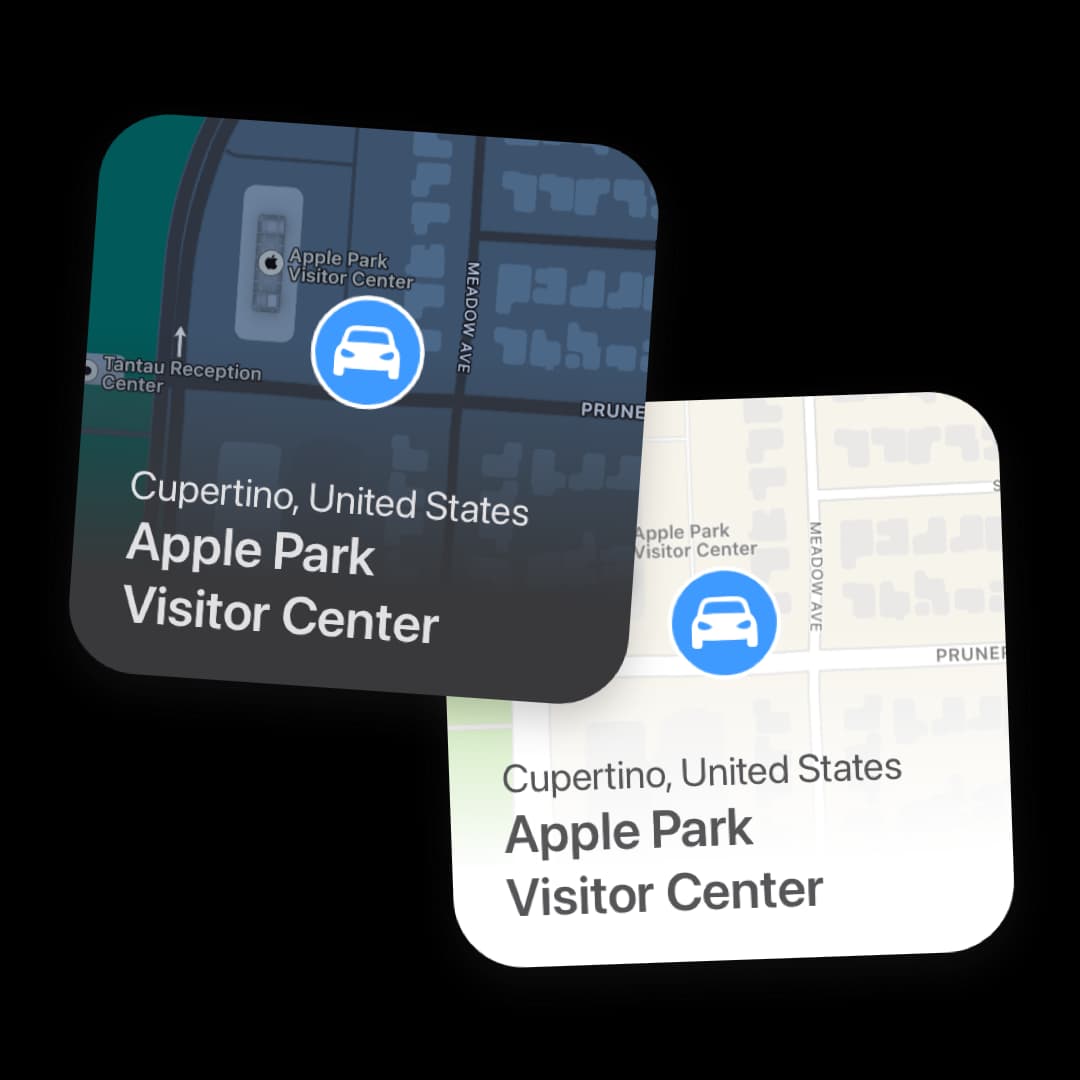
Add a small or medium widget to your Home Screen, or a widget to your Lock Screen. The widgets list your parked cars, and a tap opens the app. A Live Activity shows a parking timer on the Lock Screen and in the Dynamic Island, and each parking has a “Show on Lock Screen” switch.
Siri and Shortcuts: what to say
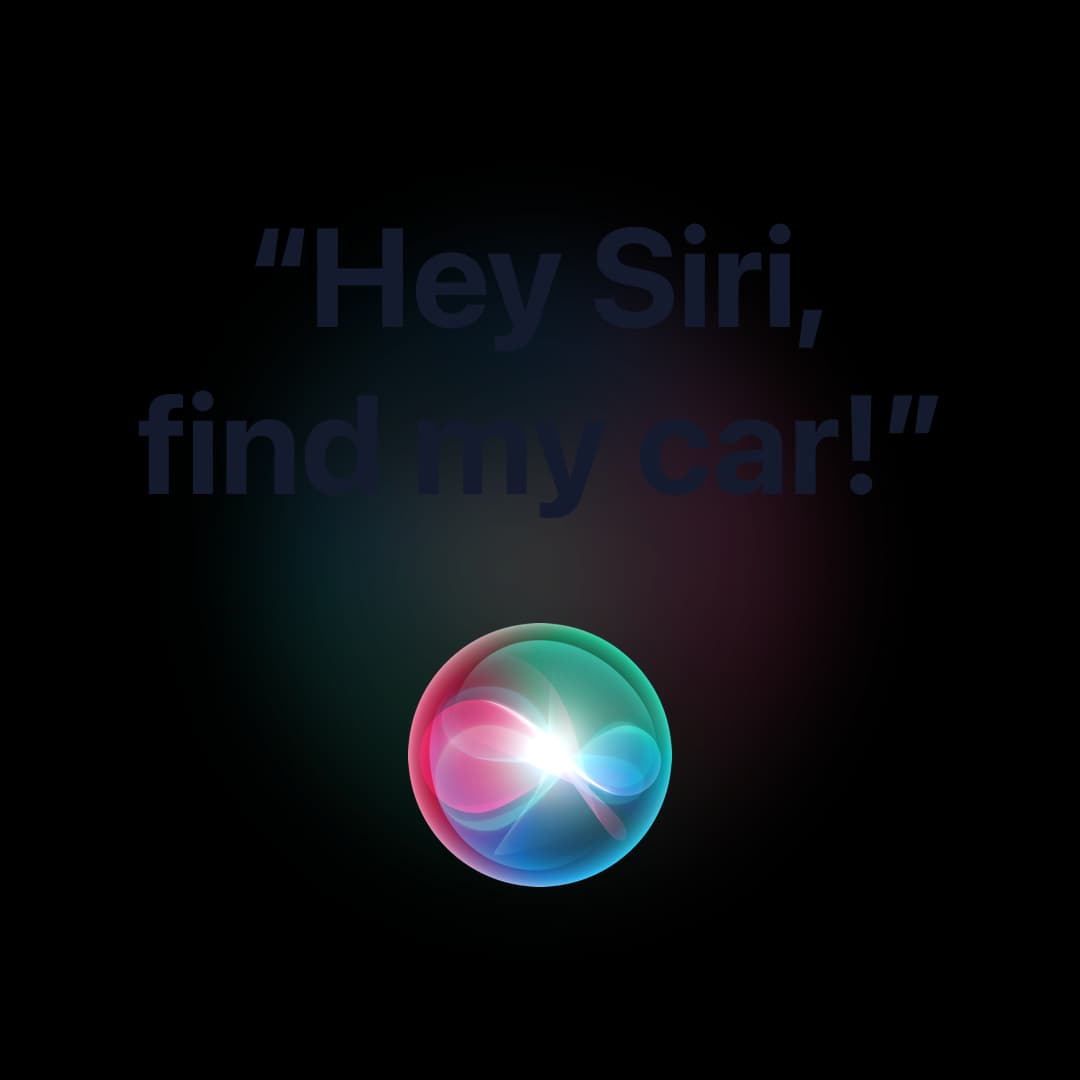
Find My Car works with Siri and the Shortcuts app. There are two phrases:
- “Park my car with Find My Car” saves your spot
- “Find My Car” (just the app's name) finds your car
More than one car (Pro)
With Pro you can add, rename and delete cars, and park several of them at once. More than one car also works in the widget, the Live Activity, on Apple Watch, in CarPlay and with Siri.
iCloud sync between your devices
Your cars and parkings sync through iCloud between your devices. It is free.
My Cars on the web (Pro)
With Pro, My Cars at findmycar.app/my-cars shows your parking history on any computer. You also get a notification with a monthly parking report.
Find My Car vs Apple Maps on iPhone
- Saving the spot: Apple Maps needs the iPhone to be connected to the car over CarPlay or Bluetooth. Find My Car works in any car.
- Familiar places: Apple Maps skips places like home and work. Find My Car saves the spot wherever you park.
- Notes and reminders: Find My Car lets you write where in the car park you are and reminds you before your parking time runs out.
- History: Find My Car keeps your parkings with the date, the duration and the place (the last 30 days free, your full history with Pro), and you can export them as a spreadsheet.
- Sharing: send the spot to the people you are meeting.
Questions about Find My Car on iPhone
Is Find My Car free on iPhone?
Yes. Saving your spot, directions back, notes and reminders are free. Pro adds photos, your full history, unlimited automatic parking, more cars and no ads.
Does my car need CarPlay or Bluetooth?
No. You can save the spot yourself in any car, old or new. Automatic parking notices the end of your drive from CarPlay disconnecting or your iPhone's motion.
Which devices and languages does Find My Car for iPhone support?
It runs on iPhone and iPad with iOS 17.6 or later. The app is in 9 languages: English, Danish, German, French, Spanish, Swedish, Polish, Hungarian and Slovak.
I forgot to save where I parked. Can I still find my car?
No app can know a spot you never saved, but your iPhone may still have it. Look for Parked Car in Apple Maps, check your car maker's app or a photo you took nearby. Our guide shows where to look.